FinScan AI is a cross-platform expense tracker built with React Native and Expo, available on Google Play. Its core idea is that nobody keeps a budget up to date by typing every purchase by hand, so the app captures spending from two places people already have: a photo of a receipt, and the SMS alerts their bank already sends.
The problem
Expense apps tend to fail on the same step: entry. Logging each purchase manually works for a week, and then the log goes stale and the budget stops meaning anything. The goal was to make the default path require no typing at all.
Two ways to capture an expense without typing
Snap a receipt. Take a photo, or pick one from the gallery, and AI extracts the merchant, amount, date and category. Every receipt is also saved to a gallery for later reference.
Read bank SMS in the background. Many banks text a transaction alert for every purchase. A native Kotlin broadcast receiver picks up incoming bank SMS in the background and logs the transaction automatically, without the app being opened. This is the fastest path, since the log stays accurate with no effort at all.
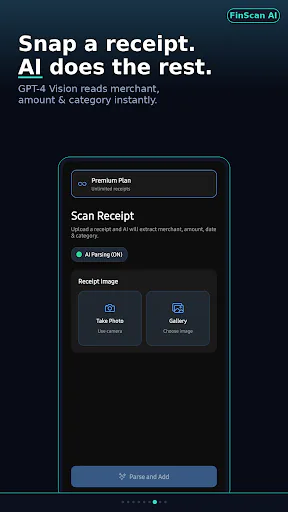
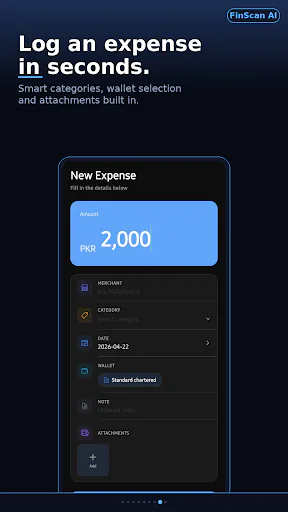
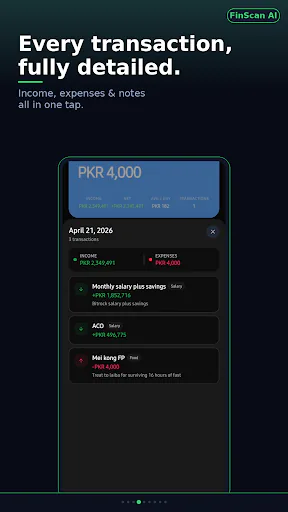
Manual entry is still there for the cases automation misses, built to take seconds, with categories, wallet selection and attachments.
How parsing works
The parsing step goes through a small set of serverless functions on Vercel. They forward the receipt or SMS content to the OpenAI API and return structured data (merchant, amount, category) to the app.
Features around the capture
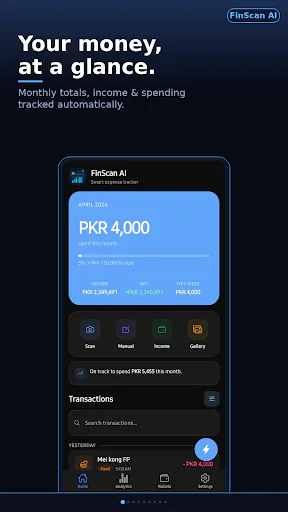
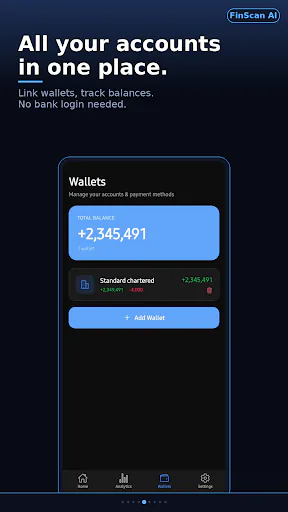
- Multi-wallet tracking. Cash, cards and accounts are tracked separately, with income, expenses and balance for each wallet and a total across all of them, and no bank login needed.
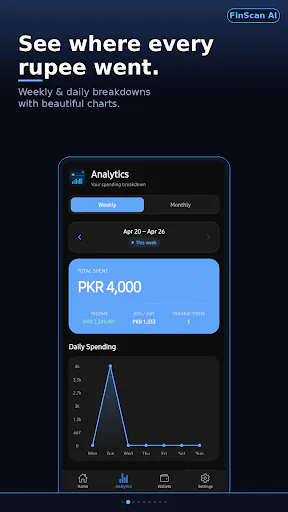
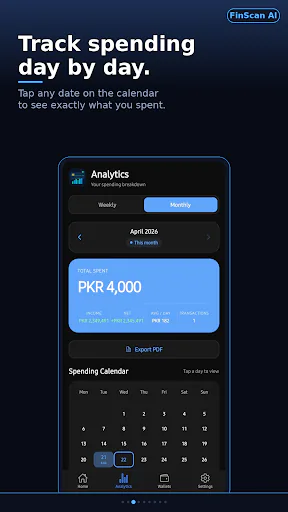
- Analytics. Weekly and monthly spending with category breakdowns, a tappable spending calendar and PDF export.
- Budgets. A monthly budget with a notification as you approach the limit, before you overspend instead of after.
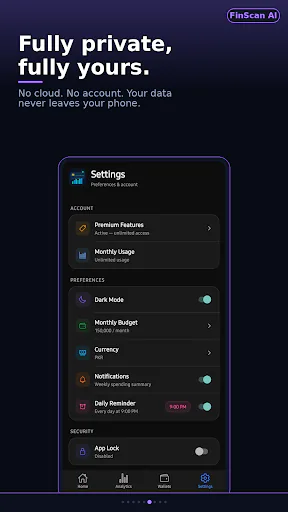
- Multi-currency, a biometric app lock, dark mode, and optional spending reminders and weekly summaries.
Business model
The app is free to download. Premium is a single one-time purchase, handled through RevenueCat, that unlocks unlimited receipt scans and faster AI parsing, and removes the monthly limits. There is no subscription.
Stack
The app is built with React Native, Expo and Expo Router in TypeScript, with SQLite in the stack, a native Kotlin module for SMS, the OpenAI API for parsing, RevenueCat for purchases, and Vercel for the serverless functions.
Try it
FinScan AI is available on Google Play.