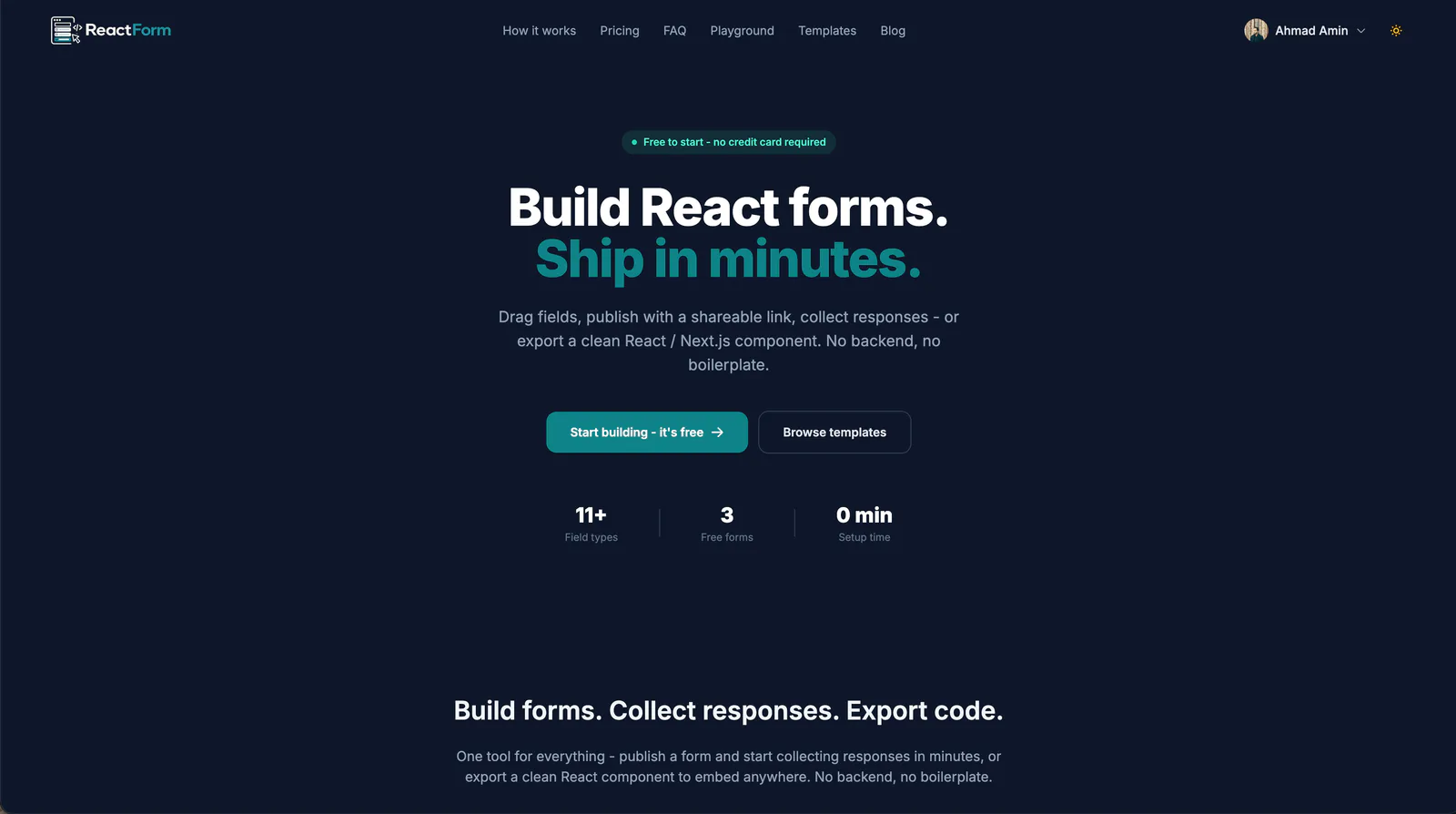
ReactForm is a no-code form builder for teams that build with React and Next.js. You design a form on a canvas, then either publish it as a hosted link or export it as a component you own. It is live at reactform.co, with a free tier and Pro plans.
The problem
Every project eventually needs a form: a contact form, a signup form, a job application. And it is always the same slog. Stand up an endpoint, wire up email delivery, add validation, then restyle the inputs so they do not look like they escaped a different app. For something that is rarely the interesting part of the product, it eats a surprising amount of time.
Existing tools tend to force a choice up front. You get a hosted form in someone else's styling, or a snippet you still have to wire up yourself.
The approach: one form, two exports
The core decision was to treat "hosted" and "in your codebase" as two exports of the same form, not two separate products.
- Publish it and get a shareable link and an embed snippet, with a QR code on the Pro plan. Responses land in a dashboard, with no server to run.
- Export it as a standalone React component and own the markup, styling
and submit handler yourself. The export uses
useStatefor form state, ahandleChangehandler and ahandleSubmitfunction, and has zero dependencies on ReactForm. It is plain React JSX, so it drops into any React or Next.js project without extra configuration.
Both paths start from the same builder and the same form definition.
The builder is free to open without an account, and you can drag fields, preview and export code right away. You only need an account (Google or email sign-up) to publish a form and collect real responses. Work is autosaved to your account, or to the browser if you are not signed in.
What I built
The builder
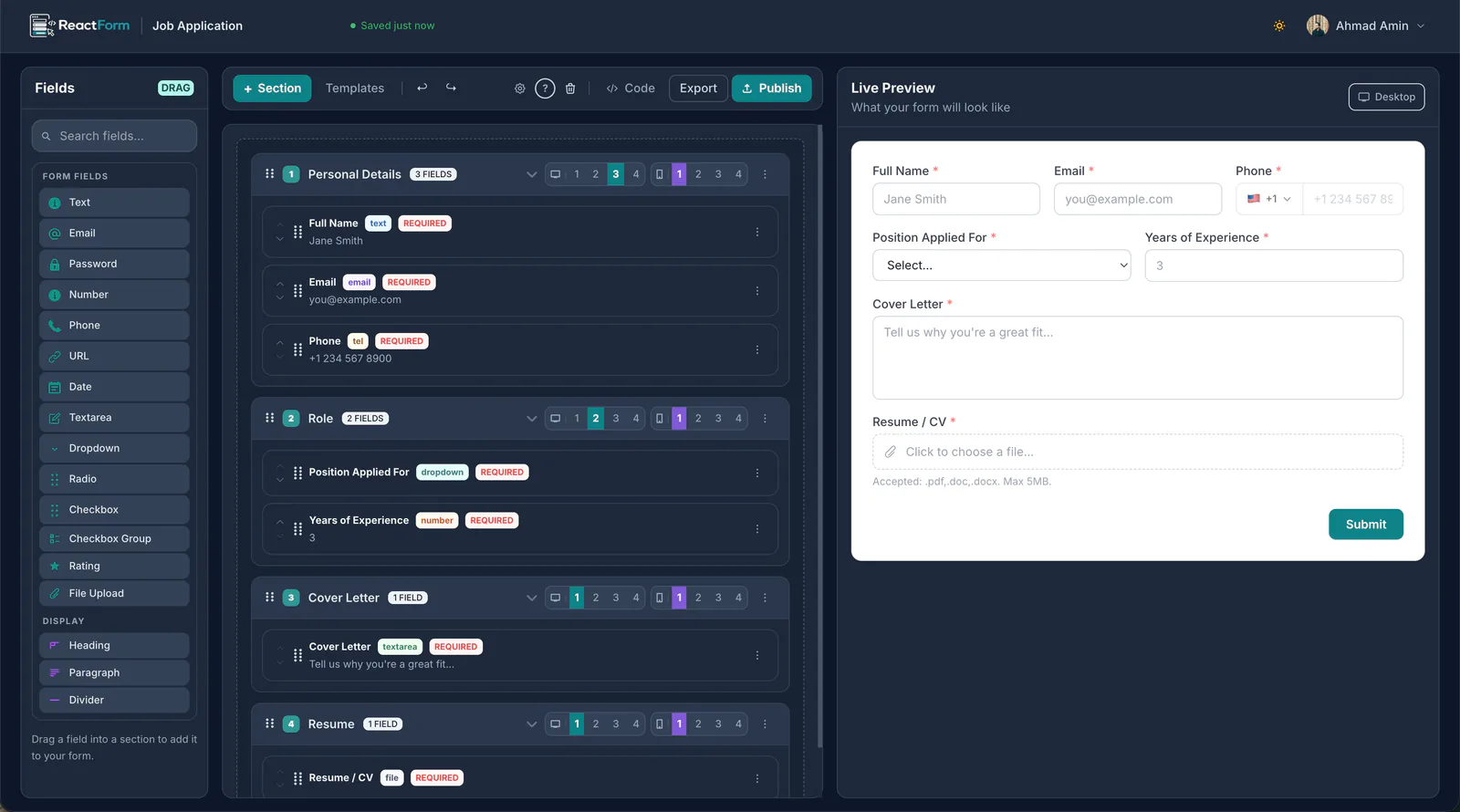
A drag-and-drop canvas on the left and a live preview on the right. Fields go into sections, sections can be reordered, and every field carries its own validation and a per-breakpoint column span. A "Full Name" and "Email" pair can sit side by side on desktop and stack on mobile without touching CSS. There are 11+ field types, including text, email, password, number, phone, URL, date, textarea, dropdown, radio group and checkbox. Each field supports a label, placeholder, default value, a required toggle and conditional logic, so fields can appear only when they should.
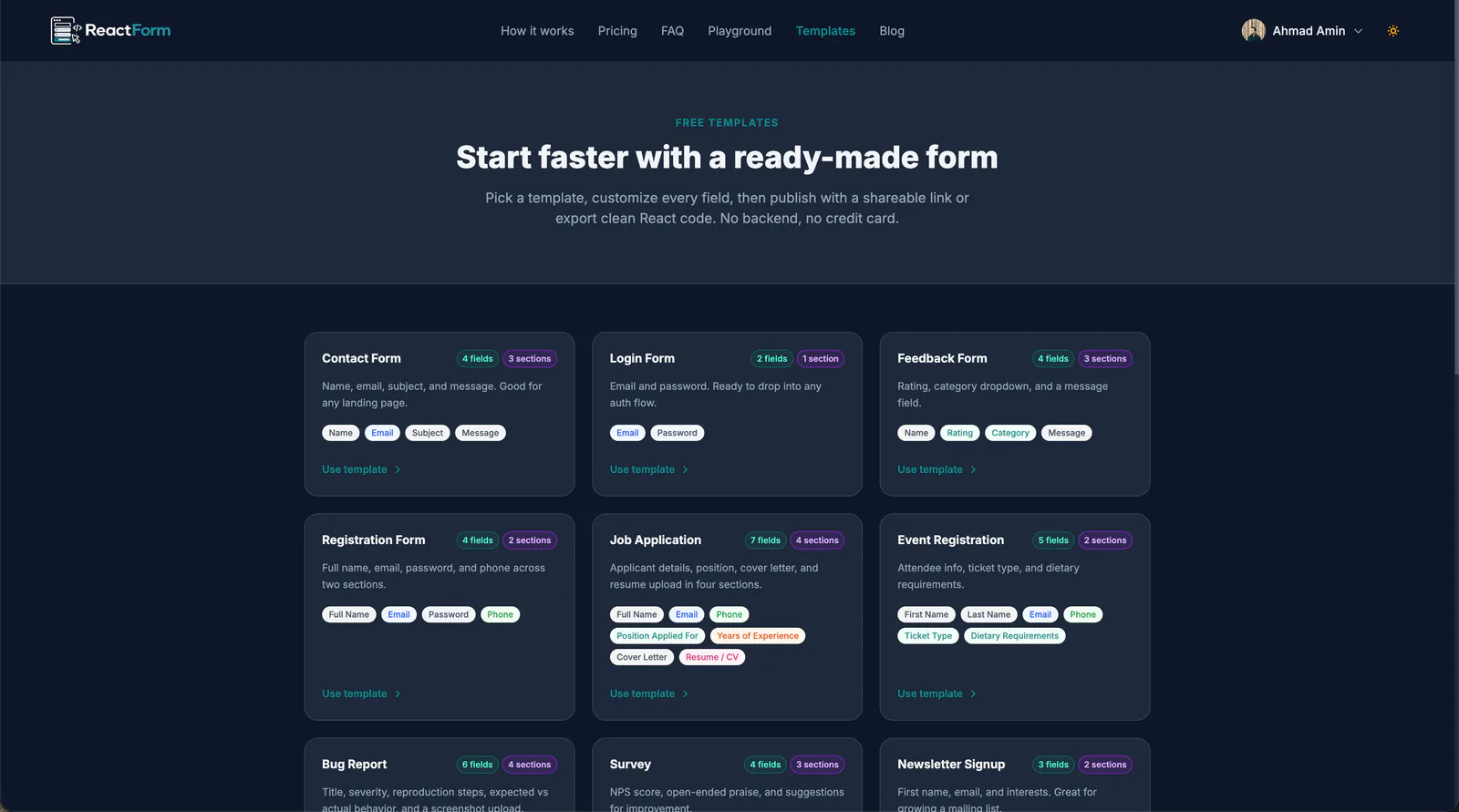
A template library covers the common starting points (contact forms, job applications, event registration, bug reports), and each template stays fully editable after you add it.
Making it match the host site
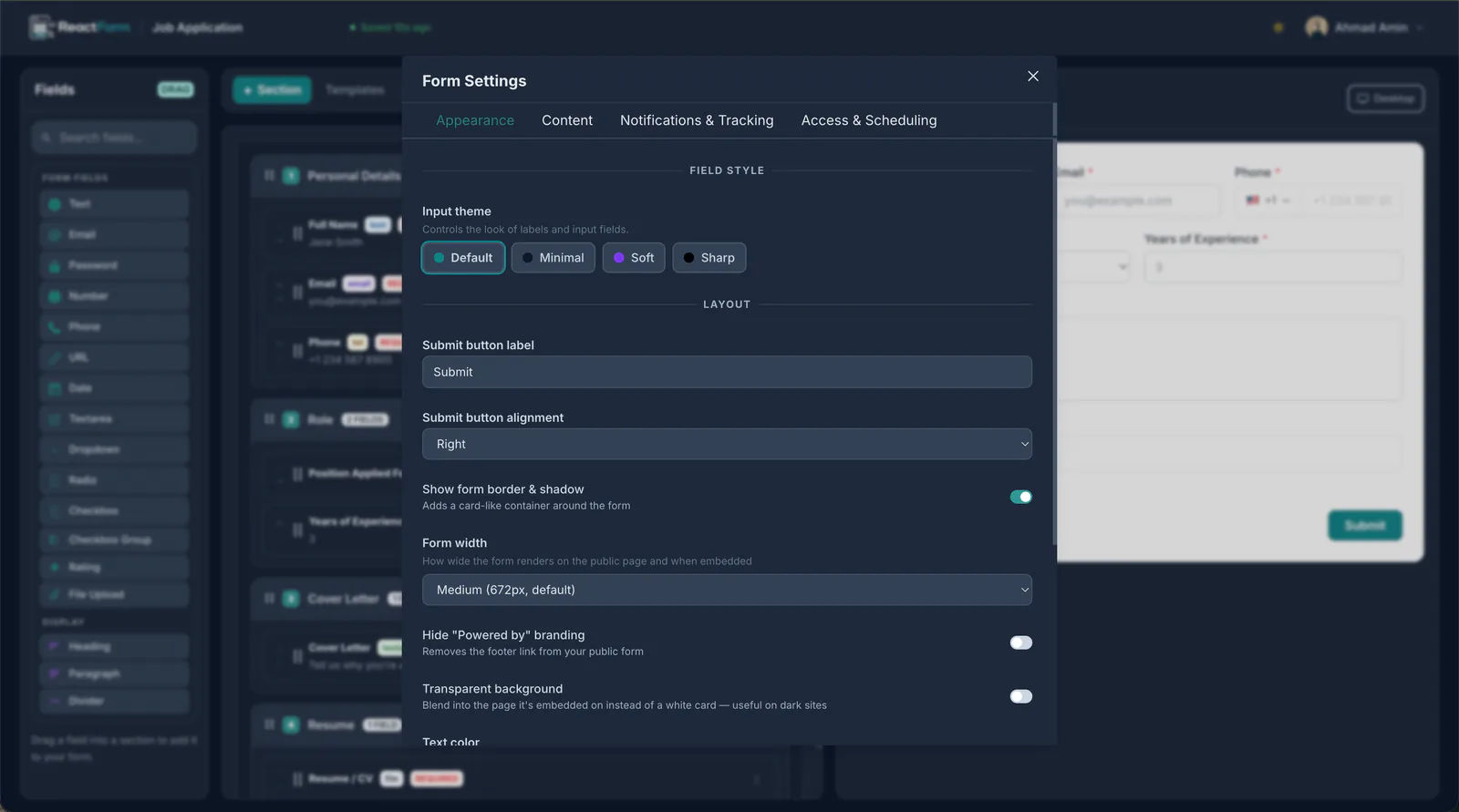
A form that looks bolted on is worse than no form at all, so most of the settings panel is about disappearing into whatever site it is embedded in. That covers theme presets, a custom accent color, your own Tailwind CSS classes on each field, submit button label and alignment, form width, bordered or flat rendering, and a dark mode. On the Pro plan you can also remove the "Powered by ReactForm" footer. White-label embedding is also available for partner platforms.
Responses without a database to set up
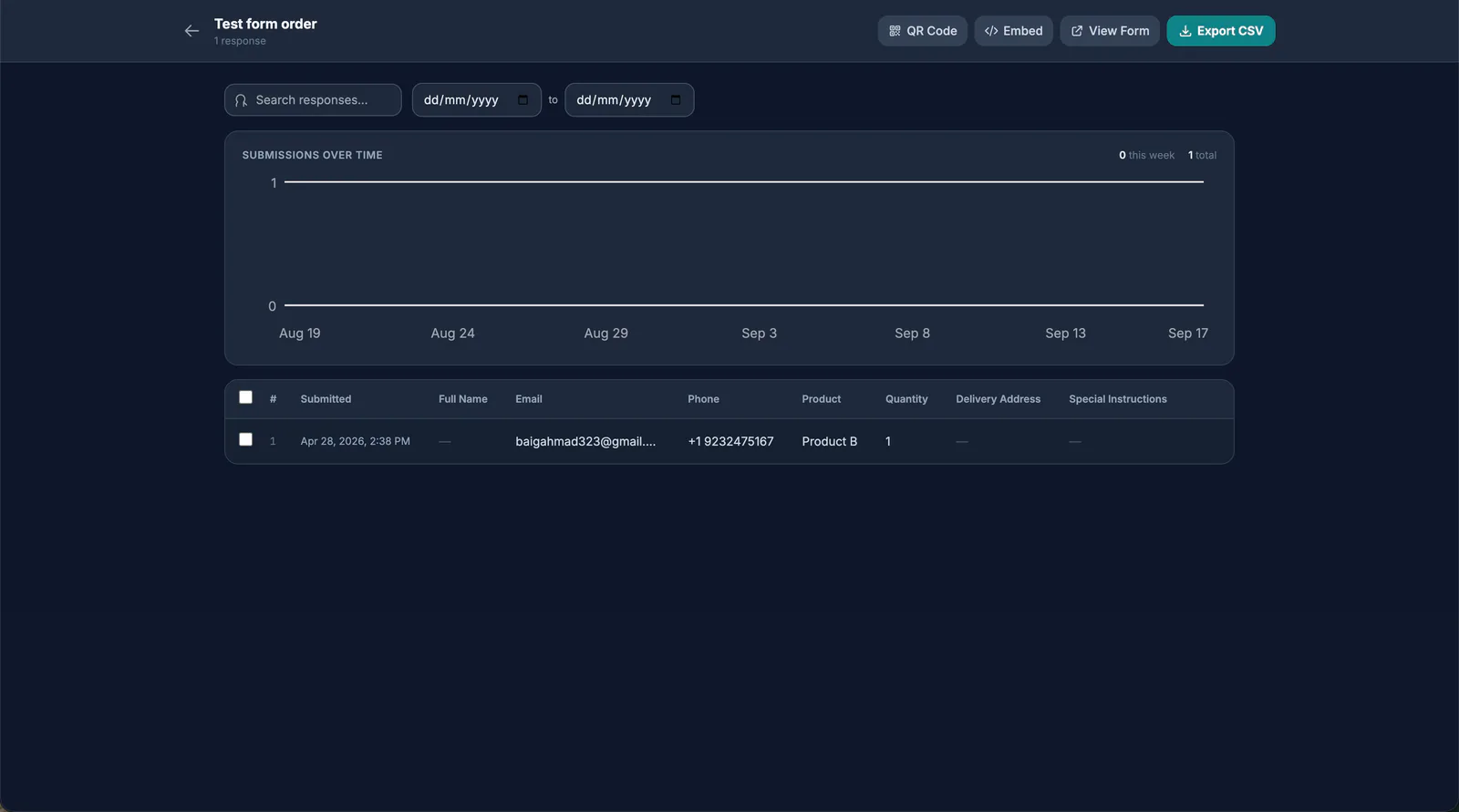
Every published form gets a response dashboard: a submissions-over-time chart and a searchable, date-filterable table of responses. The embed snippet and live link sit on the same screen, so sharing a form and reviewing its responses do not need two different tools. CSV export and QR code sharing are part of the Pro plan.
Running it as a product
Beyond the builder, ReactForm needed the pieces of a real product. The free plan covers three published forms, with unlimited code exports. Pro removes those limits and adds CSV export, QR code sharing, form scheduling with open and close dates, duplicate submission prevention, and completion-rate analytics. Checkout runs through Lemon Squeezy, and forms can send leads and webhooks to other tools, so a submission can trigger work elsewhere instead of only sitting in a table.
Stack
The app is built with Next.js and React, with Firebase behind it. The wider stack includes Tailwind CSS, Chakra UI and Ant Design. Billing runs on Lemon Squeezy and email on Resend.
Try it
The free tier includes three forms, and no credit card is required. If you want the longer walkthrough of what it does, I wrote it up in the launch post.